RAR Unarchiver – Unzip RAR ZIP 3.5.0 for Mac – Extract & Compress Any Archive
RAR Unarchiver is a lightweight extraction and compression tool for macOS that handles dozens of archive formats without any complicated setup. Whether someone sends you a .rar, .7z, .iso, or something more obscure, this app opens it cleanly and quickly — no extra tools needed.
On top of extraction, it also compresses and encrypts files, making it useful for both unpacking downloads and securing files you want to keep private.
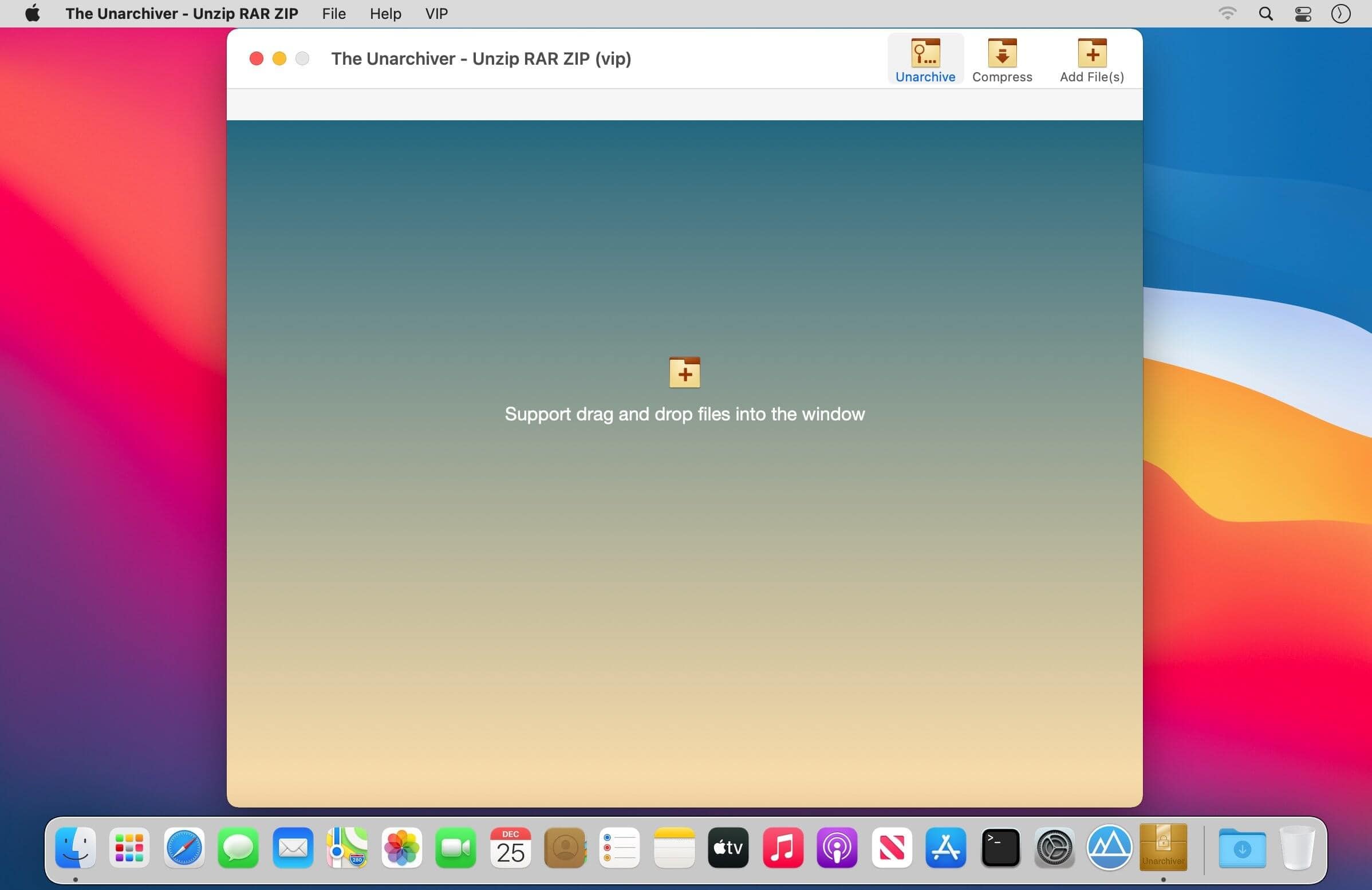
Features of RAR Unarchiver for macOS
- Extracts RAR, ZIP, 7Z, TAR, XZ, ISO, LHA, BZ2, LZH, CAB, CPIO, JAR, EXE, PKG, DMS, TBZ, SWF, GZip, BZip2 and more
- Preview archive contents before extracting
- Compress files into archives quickly
- Encrypt archive files to keep sensitive content secure
- Simple, clean interface — no configuration required
Extraction & Compression
- Supports dozens of formats covering virtually every archive type you’ll encounter
- Preview files inside an archive before committing to a full extraction
- Fast compression for creating new archives from any files on your Mac
- Works with ISO and PKG disk images in addition to standard compressed formats
Encryption & Privacy
- Encrypt any archive with a password to protect private or sensitive files
- Useful for sharing confidential documents securely via email or cloud storage
- Password-protected archives open normally once the correct password is entered
Technical Details & System Requirements
- Developer: Qing Qing Yu
- Compatibility: macOS 10.12 Sierra or later
- Language: English
- Includes: Pre-Activated by TNT
Installation Instructions
Open the downloaded .dmg file and drag the application to the Applications folder shortcut inside the image. Once copying is complete, launch the app directly from Launchpad.