Bloom 1.5.34 for Mac – Fast File Manager & Finder Replacement
Bloom is a high-performance file manager for macOS built to replace Finder with something faster, smarter, and more suited to serious file work. Whether you’re navigating a deep folder structure, batch renaming hundreds of files, or analyzing disk usage, Bloom handles it without the slowdowns and limitations that come with Finder.
From instant system-wide navigation with a single shortcut to browsing compressed archives without extracting them, Bloom is built around the idea that file management on Mac should be fast, precise, and fully under your control.
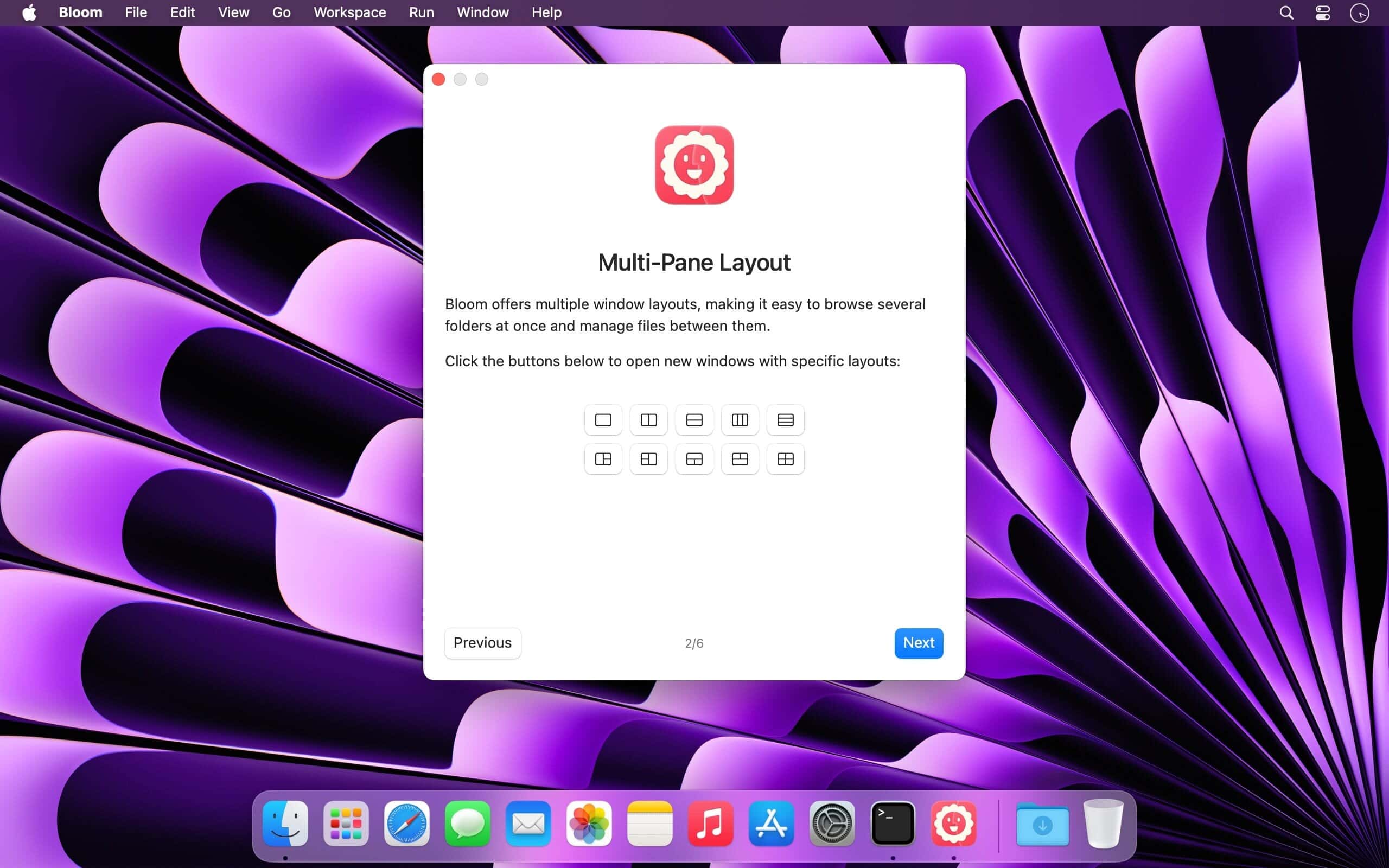
Features of Bloom for macOS
- Replaces Finder with faster navigation and professional-grade file control
- Jump to any system-wide location instantly with ⌘⇧⏎
- Search tens of thousands of files in seconds — no indexing delays
- Browse compressed archives without extracting them first
- Batch rename files using regex for precise, large-scale renaming
- Convert and optimize images directly inside the app
- Analyze disk usage with an interactive treemap via Folder Scan
- Track all file operations in real time with the Task Scheduler
- Every operation is logged and fully reversible
- Launch Terminal sessions from any folder without leaving Bloom
Fast Search & Navigation
- Search across predefined locations using keyword filters with ⌘F
- Refresh search results instantly with ⌘R — no waiting, no re-indexing
- Auto-resizing columns keep file names and details readable at any window size
- Full iCloud Drive integration for seamless access to cloud-stored files
- Complete tag management for organizing and filtering files your way
Portal Mode & Archive Inspection
- Portal Mode opens a compact, keyboard-driven window with no sidebar or preview pane
- Pin it above all other windows or collapse it to the screen edge for instant access
- Browse inside ZIP and other compressed archives without extracting a single file
- Preview text files, images, and PDFs up to 10MB directly inside archives
- Workspace layouts let you save and restore your preferred panel configurations
Media, Automation & Disk Tools
- Convert and optimize images without opening a separate app
- Generate common file types and paste images directly from the web
- Organize files automatically by kind or date with one action
- Folder Scan visualizes disk usage as an interactive treemap for quick cleanup
- Task Scheduler tracks every active file operation with real-time progress
Technical Details & System Requirements
- Title: Bloom 1.5.34
- Developer: INCHMAN1900
- Compatibility: macOS 15.6 or later
- Processor: Apple Silicon or Intel
- Language: English
- Includes: Pre-Activated by EDiSO
Installation Instructions
Open the downloaded .dmg file and drag the application to the Applications folder shortcut inside the image. Once copying is complete, launch the app directly from Launchpad.
Homepage https://bloomapp.club/