FXpansion Cypher2 v2.6.1.7 macOS
Cypher2 is designed for deep sonic exploration and expressive performances. It features a vast range of sound design tools and over 1300 sounds, including 500 MPE-optimised presets. Experience an unparalleled level of expression through analogue-modelled oscillators, waveshaping and thru-zero FM. Our signature TransMod modulation system, now upgraded for Cypher2, ensures that every session with this premium synthesizer is a sound design adventure.
Redesigned for deeper sound design
Building on the powerhouse capabilities of the original, Cypher2 adds an inspiring array of new features and propels the synth to the cutting edge of sound design.
OSCILLATE WILDLY
A gateway to amazing sounds
Deep tone-sculpting
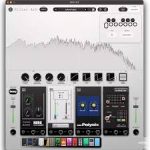
Advanced filtering, waveshaping and effects
MOVEMENT & EXPRESSION
Intuitive modulation, MPE and powerful sequencing
Features:
Modulate the master sequencer with 3 mod sequencers and an expanded control matrix
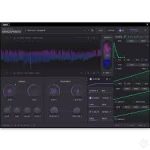
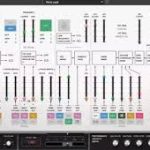
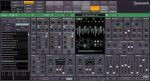
Improved interface with real-time animated modulation, full signal flow visuals and preset descriptions
Default MIDI CC mappings for both 2D and 5D controller types
6 circuit-modelled filter types, each with a varied set of responses, including a comb filter model with 8 comb types
Scalable interface for 4K/retina screens with a variety of themes
LFOs are expanded with clock-divided sub-LFOs for synchronisation or free-running modulation
Updated envelope shapes for precise control
Feed your creativity with preset morphing and randomisation
Support for microtonal Scala .TUN files