Hand Mirror 4.0.3 macOS
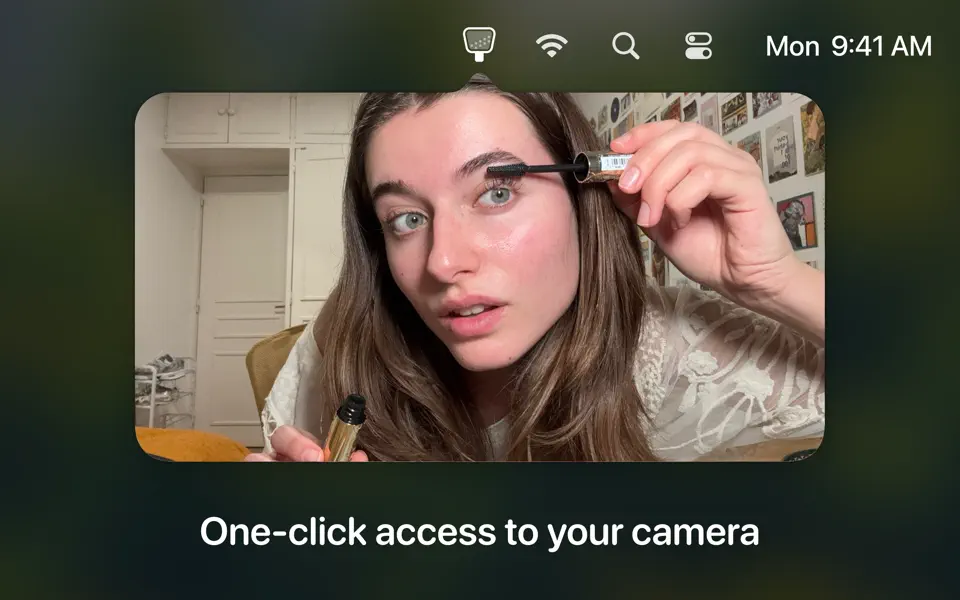
Hand Mirror is a super simple app that lives in your Menu Bar (little cozy top right corner of your Mac) and gives you a one-click access camera check!
‣ Need to jump on a video call? Quick camera check.
‣ Need to quickly check your surroundings? Quick camera check.
‣ Need a view of your camera for when you’re streaming or recording your screen? Quick camera check and drag the window around.
‣ Need to check your face because you’re gorgeous? Quick camera check.
Want more? Good thing for Hand Mirror Plus:
It’s a one-time purchase that will unlock all past, present, and future features added to the app, like:
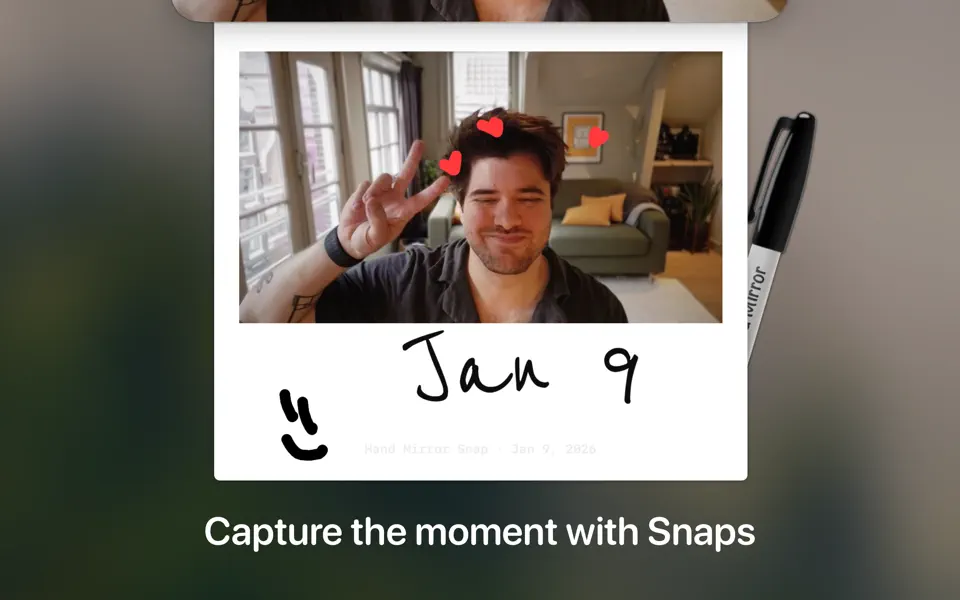
‣ Snaps: Save the moment with a cute Polaroid-style picture, complete with a marker for drawing over it.
‣ Mic Check: You already know you look good, but can people hear you? Check your microphone levels directly from Hand Mirror
‣ Reactions Playground: Custom triggers for all of the new macOS Sonoma Reactions for some fun screenshots
‣ Smart Window: Fully customizable, resizable, positioned window
‣ Window Masks: Zoom, crop, tweak border radius, make your camera view just like you like it
‣ Custom position: Want to trigger the window right below your camera, pick where the window appears
‣ Notch Trigger: If you’re on a compatible device, you can click right on the camera housing area to trigger Hand Mirror
‣ Custom App Icons and Menu Bar Icons: Make the Menu Bar icon match your camera and or your taste
What’s New
Version 4.0.3:
- Fixed an issue where the Smart Window could appear on the wrong display after restarting the app
- Fixed an issue where the Snaps setting would turn itself back on after restarting the app
- Fixed an issue where the annotation tools and color picker could be hidden or appear empty when taking a snap
- Stability and performance improvements
Compatibility: macOS 14.4 or later.
Homepage https://apps.apple.com/us/app/hand-mirror/id1502839586?mt=12
Screenshots