Multitouch 1.48 for Mac (Custom Trackpad & Mouse Gesture Tool)
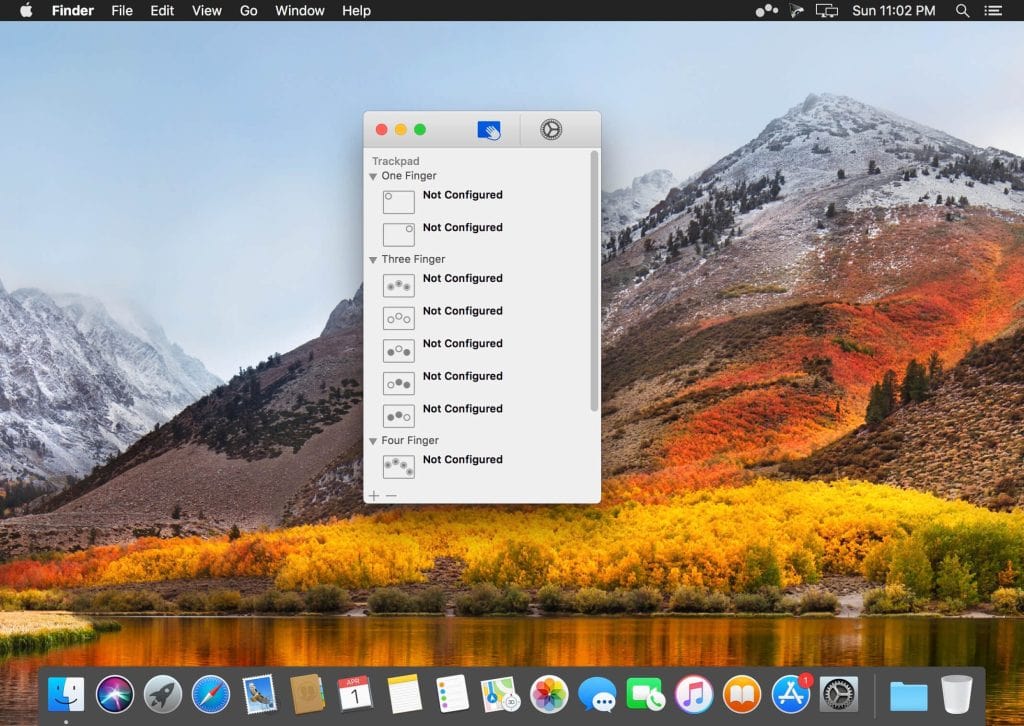
Multitouch is a gesture customization app for macOS that lets you assign any action to any Magic Trackpad or Magic Mouse gesture. Three-finger click to paste, swipe to switch tabs, tap to trigger a keyboard shortcut — you define exactly how your hardware behaves.
It’s a small app that makes a noticeable difference in day-to-day Mac use, especially if you rely heavily on trackpad gestures and want more out of them than macOS offers by default.
Features of Multitouch for macOS
- Assign custom actions to any Magic Trackpad or Magic Mouse gesture
- Execute keyboard shortcuts, control browser tabs, or perform a middle mouse click with a gesture
- Growing list of supported gestures and actions updated regularly
- One-time purchase — no subscription, free updates included
- No Accessibility privileges required to run
- No user data collected — completely private
Best Use Cases
- Power users who want faster access to keyboard shortcuts via gestures
- Browser-heavy workflows where tab switching with a swipe saves real time
- Anyone using a Magic Mouse who wants middle-click functionality
- Mac users looking to get more out of their trackpad beyond default gestures
Technical Details & System Requirements
- Developer: Brass Monkery LLC
- Compatibility: macOS 10.12 Sierra or later
- Processor: Intel or Apple Silicon
- Language: English
- Includes: Pre-Activated by TNT
⚠️ Important: You need to disable System Integrity Protection (SIP) and turn off Gatekeeper before installing this application.
Homepage https://multitouch.app