Cookie 8.5.0 for Mac – Browser Privacy & Cookie Manager
Cookie is a browser privacy tool for macOS that gives you full control over the cookies, tracking data, and local storage that websites drop into your browser without asking. Most of it happens in the background — Cookie brings it all to the surface and lets you decide what stays and what goes.
Whether you want a simple one-click cleanup or granular control over every cookie on every domain, Cookie covers both ends. It works across all major browsers and runs automatically on your own schedule so you’re never carrying around tracking data longer than you want to.
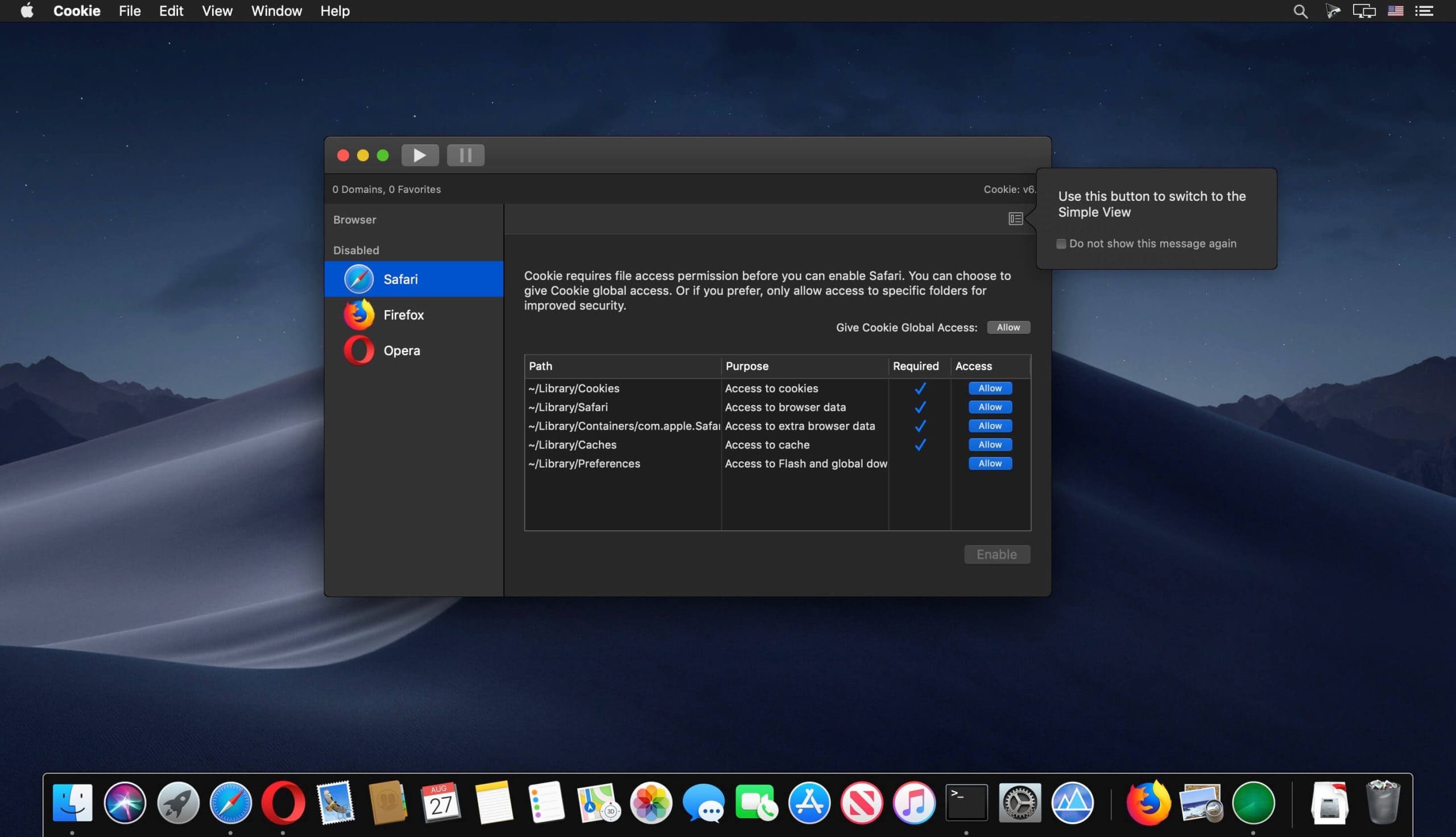
Features of Cookie for macOS
- Manages cookies, Flash data, and localStorage across all major browsers in one view
- Simplified View handles all technical details automatically for everyday users
- Advanced View puts you in complete control of every privacy setting
- Favorite cookies on a per-domain or per-cookie basis to protect what matters
- Individual browser settings — configure different removal rules per browser
- Chrome, Chromium, Canary, and Brave support per-user configuration
- Multiple automatic removal schedules to fit any workflow
- Hotkey support for instant removal of all unwanted data
- Customizable tracking cookie definitions and whitelist support
- Browser extension protection built in
- iCloud sync and full dark mode support
Privacy Control & Cookie Management
- Combined view displays all cookie, Flash, and localStorage data in one place
- Whitelist specific tracking cookies you actually want to keep
- Customize your own tracking cookie definitions beyond the built-in list
- Favorite individual cookies or entire domains to protect them from removal
- Browser extension protection prevents unwanted data from sneaking back in
Automatic Removal & Scheduling
- Remove data automatically when quitting Cookie or closing a browser
- Schedule cleanup on computer login or when waking from sleep
- Set a fully customizable time-based removal schedule
- Or keep it fully manual — remove only when you decide to
- Hotkey support lets you wipe unwanted data in one keystroke from anywhere
Technical Details & System Requirements
- Developer: SweetP Productions
- Compatibility: macOS 12.0 Monterey or later
- Language: English, Dutch, French, German, Japanese, Portuguese
- Includes: Pre-Activated by TNT
Installation Instructions
Open the downloaded .dmg file and drag the application to the Applications folder shortcut inside the image. Once copying is complete, launch the app directly from Launchpad.
Homepage https://sweetpproductions.com/