

Outdated Current version: AnyMP4 Blu-ray Ripper 9.0.80 Go to latest version

AnyMP4 Blu-ray Ripper 9.0.68

Feb 16, 2025 , Application, Video
AnyMP4 Blu-ray Ripper 9.0.68
Name:
AnyMP4_Blu-ray_Ripper_for_Mac_9.0.68.22360_mactorrentdownload.com.dmg
Size:
138 MB
Files:
AnyMP4_Blu-ray_Ripper_for_Mac_9.0.68.22360_mactorrentdownload.com.dmg [138 MB]
UPDATED Feb 16, 2025
RATING
4/5 - (1 vote)
PREV. VERSIONS 3 Available

AnyMP4 Blu-ray Ripper 9.0.68 macOS

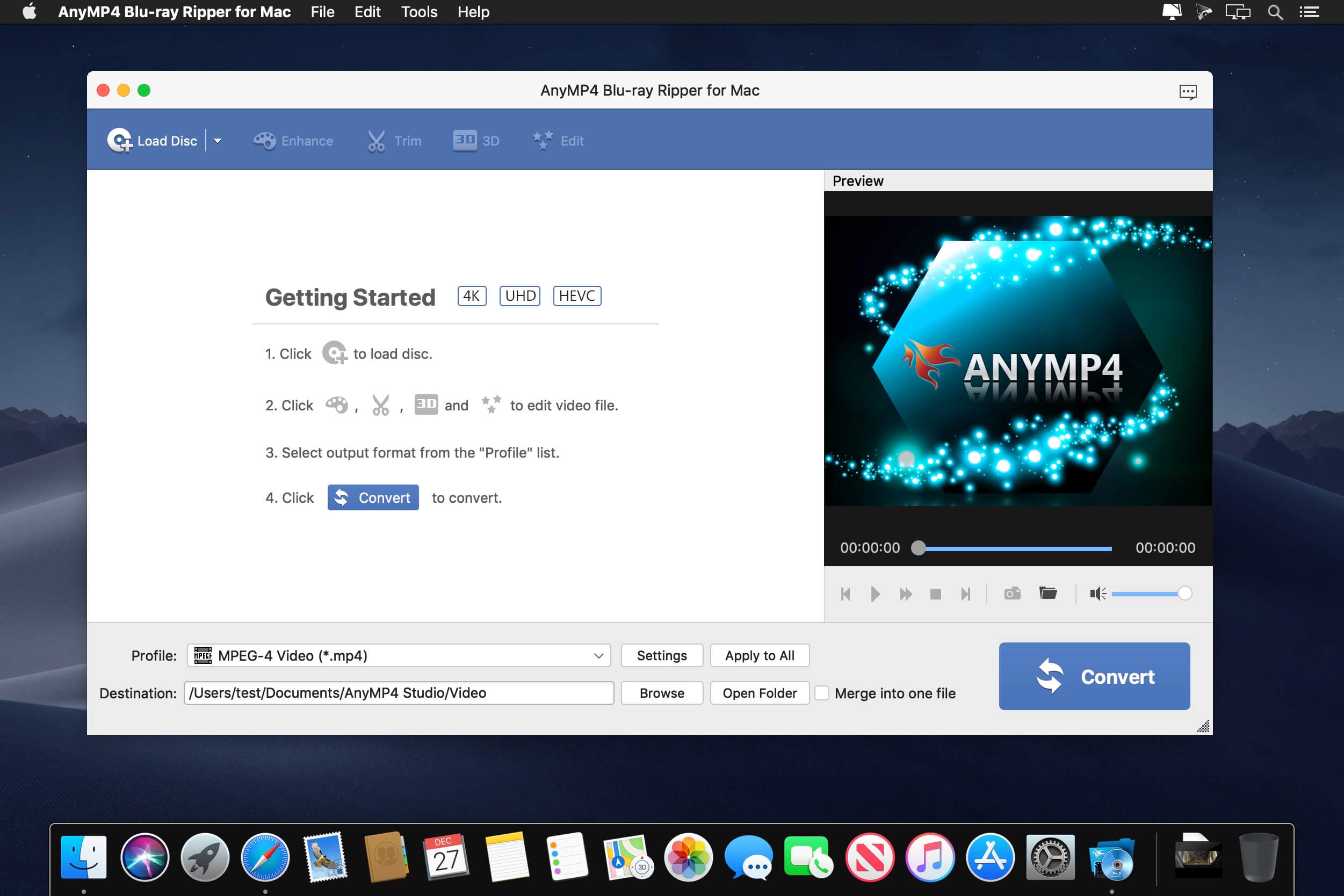
AnyMP4 Mac Blu-ray Ripper is designed with the most efficient solutions to rip Blu-ray disc to any popular video format like MP4, TS, MKV, MOV, M4V, AVI, WMV, VOB, DivX, XviD, MPEG, F4V, WebM and more, and even convert Blu-ray to 4K and 1080p HD video with the codec of H.265, H.264, MPEG4, XviD, VP8, VP9, and more. It also extracts background music from Blu-ray movie to save as MP3, M4A, AAC, FLAC, ALAC, WMA, and more for your music enjoyment.

This Blu-ray Ripper for Mac can easily rip Blu-ray disc, Blu-ray folder, and Blu-ray ISO image file to multiple digital device like iPhone 11/11 Pro/11 Pro Max/XS/XS Max/XR/X/8/7 Plus/7/6s Plus/6s/6 Plus, iPad Por, iPad Air 2, iPad mini 4, Samsung Galaxy S7, Samsung Galaxy Note 5, LG G5, Sony Z5, HTC 10, Huawei P9, and others. This software also lets you rip Blu-ray to other devices like Apple TV, Samsung TV, LG TV, Xbox 360, PS3/PS4, Final Cut Pro, iMovie, and more for playing or editing easily.

What’s New:

Version 9.0.68:

  • Release notes were unavailable when this listing was updated.

Compatibility: OS X 10.10 or later
Homepage https://www.anymp4.com/

Screenshots
Older Versions 3

Version Publication date Size Download
AnyMP4 Blu-ray Ripper 9.0.80 LATEST March 27, 2026 138 MB
AnyMP4 Blu-ray Ripper 9.0.72 April 16, 2025 138 MB
AnyMP4 Blu-ray Ripper 9.0.68 CURRENT February 16, 2025 138 MB

Frequently asked questions

How do I install the app?

Mount the image, drag the app into the "Applications" folder and launch it. If the system blocks the launch, allow it in "System Settings → Privacy & Security".

The app is damaged or won't launch

Reinstalling from a fresh image usually helps. Make sure your macOS version matches the one listed in the compatibility specs.

How do I update?

Download the new version from the site and install it over the current one — your settings will be preserved.

The download link doesn't work

Try a mirror or a download manager. For large files the browser often drops the connection.

How do I completely remove the app?

Use an uninstaller utility — it cleans up the service files that remain after moving the app to the trash.

Leave a Comment





