JPEG Jackal 3.1.0 MAS Multilingual macOS
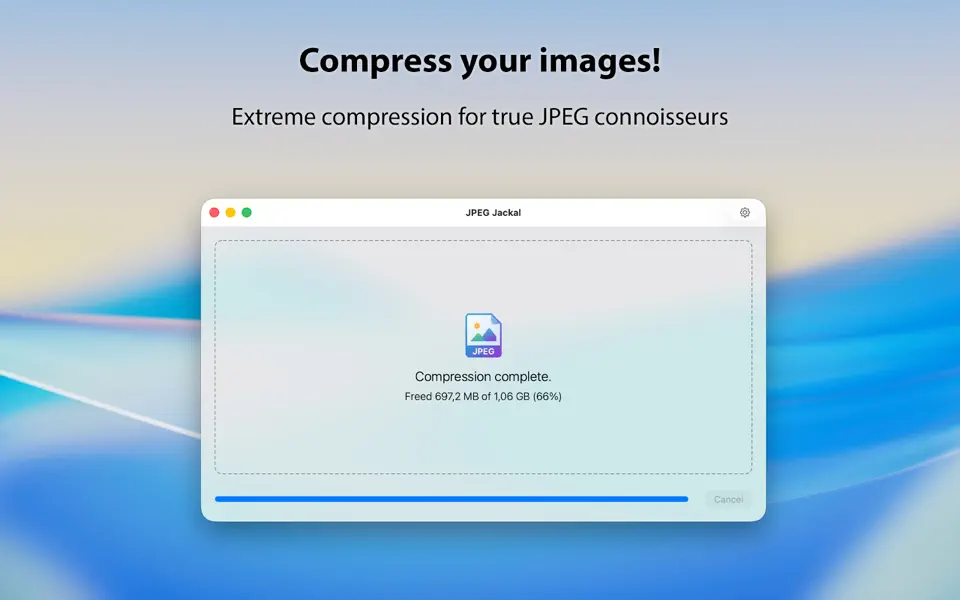
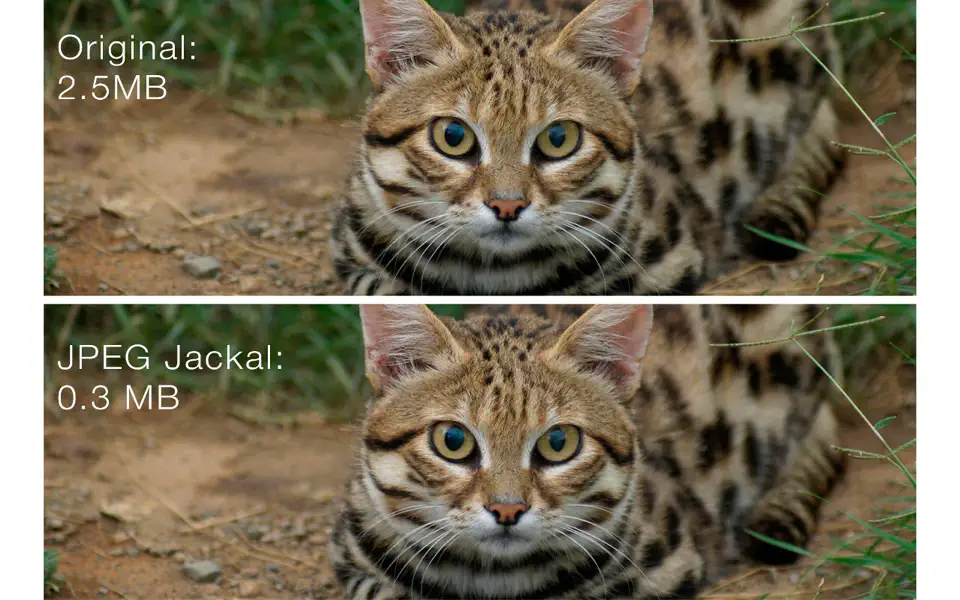
JPEG Jackal is simple, powerful and quick tool for home and professional usage, that can help you to optimize pictures size and save disk space or internet traffic. It uses special compression algorithm to give you best jpeg quality.
Features
• It’s easy – just drag and drop files or folders with pictures you need to optimize;
• It’s quick – special algorithm uses all power of your Mac to improve quality and speed of service;
• It’s safe – compress files only if it’s reasonable, according to your needs, that guarantee you avoiding of re-saveing quality loss;
• It’s reliably – if you have any doubts, just save pictures to the test folder and see the result before applying it to all photos.
• It’s fair – you can see saved disk space and compression ratio right away.
Features of PRO version
• Convert any type of images to JPEG
• Improved quality
• Improved performance
JPEG Jackale – may be, best tool for optimizing your photo library.
Compatibility: macOS 10.13 or later • Apple Silicon or Intel Core processor
Homepage https://geo.itunes.apple.com/app/id1156018315
Screenshots