
My Metronome 1.4.8

Mar 15, 2026 , Application, Audio & Music
My Metronome 1.4.8
Name:
My_Metronome_1.4.8.dmg
Size:
104 MB
Files:
My_Metronome_1.4.8.dmg [104 MB]
UPDATED Mar 15, 2026
RATING
4/5 - (1 vote)
PREV. VERSIONS 5 Available

My Metronome 1.4.8 macOS

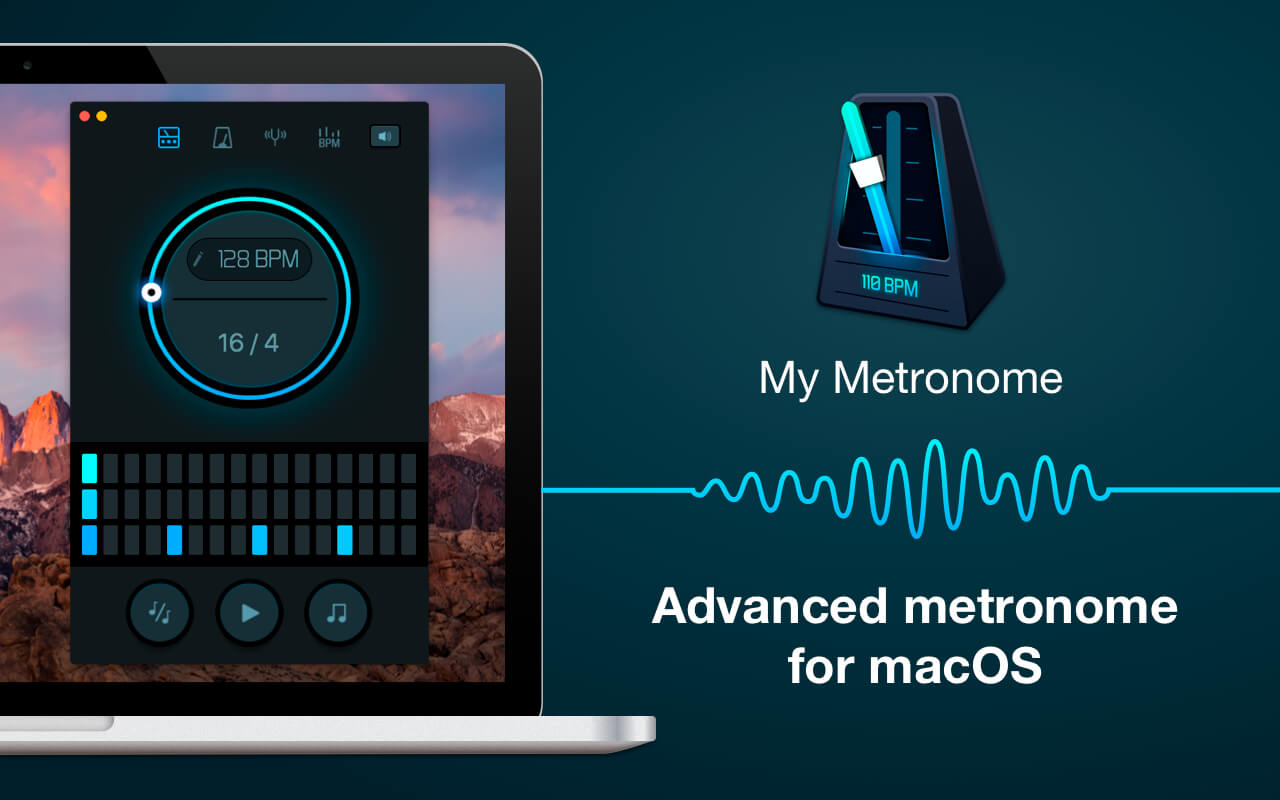
My Metronome is the perfect practice tool for every person who is fond of music. It was created by professional musicians and it lets you feel a real metronome as close as it could ever be.

PRECISE INSTRUMENT FOR MUSICIANS

  • Very steady tempo: ranges from 10 to 500 BPM (beats per minute)
  • Flexible time signatures settings
  • BPM detector: analyze a melody you want to sing, and it will show you the tempo you need to set


PLEASANT BONUSES

  • Classic and advanced modes
  • Guitar tuner: tune your guitar right then and there
  • Truly intuitive interface

Use My Metronome app during your music sessions and you will never miss a single note!

Top In-App Purchases: Full Version – included
Compatibility: OS X 10.10 or later, 64-bit processor
Homepage https://apps.apple.com/app/id1229948812

Screenshots
Older Versions 5

Version Publication date Size Download
My Metronome 1.4.8 LATEST CURRENT March 15, 2026 104 MB
My Metronome 1.4.5 July 20, 2025 104 MB
My Metronome 1.4.2 February 21, 2025 101 MB
My Metronome 1.4.1 January 12, 2025 101 MB
My Metronome 1.4.0 December 26, 2024 101 MB

Frequently asked questions

How do I install the app?

Mount the image, drag the app into the "Applications" folder and launch it. If the system blocks the launch, allow it in "System Settings → Privacy & Security".

The app is damaged or won't launch

Reinstalling from a fresh image usually helps. Make sure your macOS version matches the one listed in the compatibility specs.

How do I update?

Download the new version from the site and install it over the current one — your settings will be preserved.

The download link doesn't work

Try a mirror or a download manager. For large files the browser often drops the connection.

How do I completely remove the app?

Use an uninstaller utility — it cleans up the service files that remain after moving the app to the trash.

Leave a Comment





