

Wondershare Recoverit 13.0.7.14

Wondershare Recoverit
Name:Wondershare_Recoverit_13.0.7.14_mactorrentdownload.com.dmg
Size:104 MB
FilesWondershare_Recoverit_13.0.7.14_mactorrentdownload.com.dmg [104 MB]
   Download Torrent    Download Link

Wondershare Recoverit 13.0.7.14 Multilingual macOS

Comprehensive data recovery suite (was Wondershare Data Recovery). Wondershare Recoverit is a comprehensive data recovery suite to recover Mac data lost due to accidental deleting, formatting, virus infection, improper operation, unexpected power failure, and other unknown reasons.

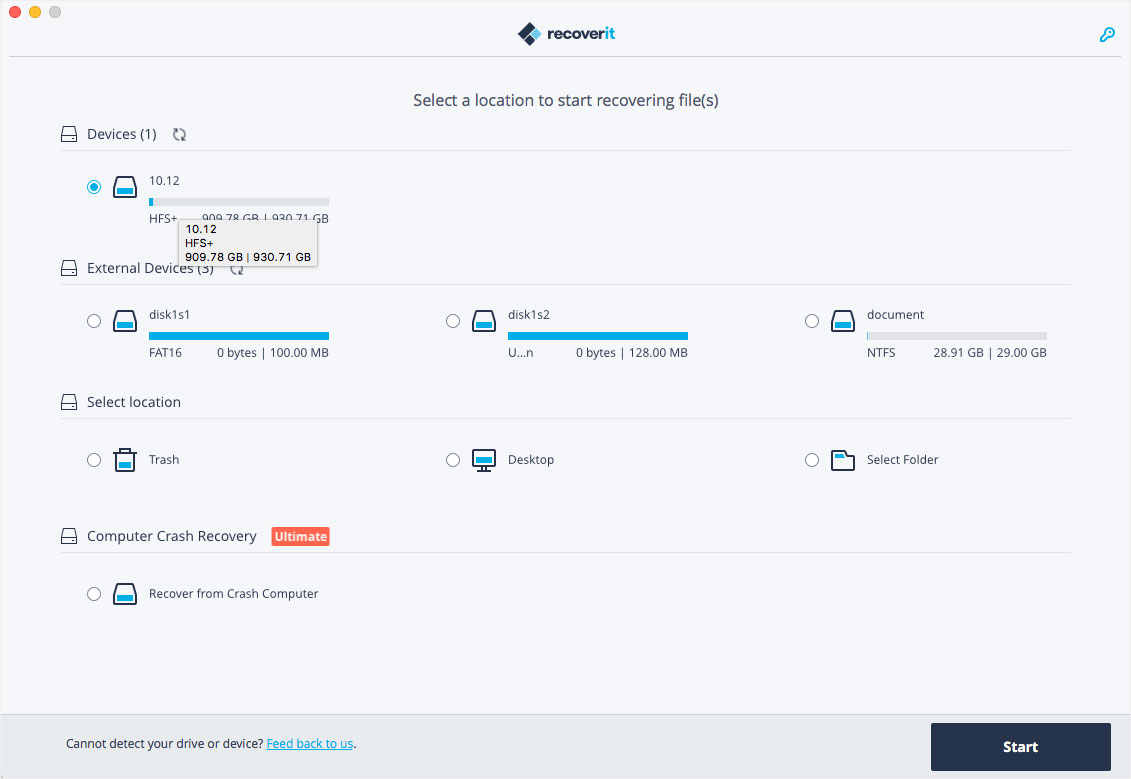
It can recover Mac data from lost, deleted, logical corrupted and formatted Mac hard drive, iPod, USB drive, SD card, digital camera, mobile phone, MP3, and MP4 player. Compatible with HFS+, FAT16/32, and NTFS file system volumes, this non-destructive Mac file recovery software ensures safe Mac file recovery without modifying the original data saved on your Mac machine or any other storage media. Versatile preview lets you enjoy Mac data recovery in advance.

Compatibility: macOS 10.14 or later,
Homepage https://recoverit.wondershare.com

Screenshots
Older Versions 29

Version Publication date Size Download
Wondershare Recoverit 14.0.13.4 LATEST March 15, 2026 211 MB
Wondershare Recoverit 14.0.12.11 February 16, 2026 211 MB
Wondershare Recoverit 14.0.11.3 February 3, 2026 190 MB
Wondershare Recoverit 14.0.10.5 January 17, 2026 205 MB
Wondershare Recoverit 14.0.5.6 November 30, 2025 199 MB

Frequently asked questions

How do I install the app?

Mount the image, drag the app into the "Applications" folder and launch it. If the system blocks the launch, allow it in "System Settings → Privacy & Security".

The app is damaged or won't launch

Reinstalling from a fresh image usually helps. Make sure your macOS version matches the one listed in the compatibility specs.

How do I update?

Download the new version from the site and install it over the current one — your settings will be preserved.

The download link doesn't work

Try a mirror or a download manager. For large files the browser often drops the connection.

How do I completely remove the app?

Use an uninstaller utility — it cleans up the service files that remain after moving the app to the trash.

Join the Conversation

Your email address will not be published. Required fields are marked *





